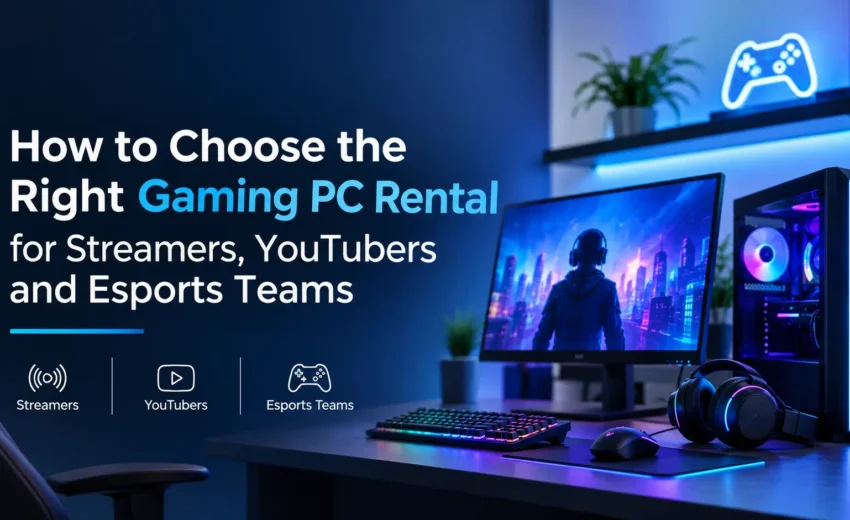
A gaming setup needs to do more than run games. Streamers need to record while gaming, YouTubers need editing power, and esports teams need consistent performance.
Renting offers another option. With a gaming PC on rent in Mumbai, players and content creators can use high-performance hardware without making a large upfront investment. BK Infotech provides gaming PC rental options for people and teams that need capable systems for gaming, content production and events.
The right choice depends on the games being played, the software being used, the number of systems required and the length of the rental period.
What should you consider before renting a gaming PC?
A computer that runs everyday apps smoothly may struggle with demanding games or live streaming. Before choosing a gaming computer rental in Mumbai, check these hardware components.
1. Graphics card
The graphics card affects visual quality, frame rates, and performance in demanding games. It also matters when recording gameplay or using certain video editing tools.
Check the recommended GPU requirements for your games. If you plan to stream at higher resolutions or use demanding graphics settings, you may need a more powerful card.
2. Processor
The processor handles game logic, background applications and several tasks running at once. A capable CPU is especially valuable when a streamer is gaming, running streaming software, and managing other applications simultaneously.
Ask for the exact processor model rather than choosing a system based only on broad labels such as “high-performance” or “gaming-grade.”
3. RAM and storage
RAM helps the computer manage games and other applications running together. Storage affects how much footage, software and game data you can keep on the system.
For example, 32GB RAM can be a useful starting point for many modern gaming and streaming setups, although the ideal amount depends on the game and workload. An NVMe SSD can also reduce loading times compared with a traditional hard drive.
4. Cooling and power supply
Extended gaming sessions place constant strain on the processor and graphics card. Effective cooling helps manage heat, while a suitable power supply supports stable operation.
Before you finalise a gaming computer rental in Mumbai, make sure the configuration can handle your games and any applications you plan to run alongside them.
Which gaming PC setup suits your needs?
Different users need different configurations. A streamer might prioritize multitasking, while an esports team may need several systems that match.
| User type | What to prioritise | What to confirm |
| Live streamer | Processor, graphics card and RAM | Compatibility with the game and streaming software |
| YouTuber | Graphics card, processor and SSD storage | Gameplay recording and video editing requirements |
| Esports team | Consistent performance across all systems | Matching specifications and availability |
| Gaming event organiser | Reliable computers in the required quantity | Delivery, setup and replacement support |
| Game tester | Hardware suited to the games being tested | System requirements and testing tools |
For fixed gaming stations, streamers and esports teams can rent gaming desktop in Mumbai based on their performance requirements, team size and rental duration
Choosing to rent PC for gaming in Mumbai with suitable hardware can help prevent frame drops and performance issues during demanding gameplay. This helps you avoid paying for hardware you don’t need or selecting a configuration that doesn’t meet your needs.
Should streamers and YouTubers lease a gaming PC?
The choice between a desktop and a laptop depends on where and how you’ll use the equipment.
A desktop is often a good fit for a dedicated streaming room, gaming station, or esports venue. It can deliver strong performance and a comfortable setup for long sessions. A laptop is easier to carry between locations and can suit creators who record content at events or work from different places.
A gaming laptop rental in Mumbai can be useful when portability matters more than having a permanent workstation. However, gaming laptops vary considerably in GPU power, cooling and screen specifications. Check the exact model instead of assuming every gaming laptop will handle demanding games equally well. Before booking a gaming laptop rental in Mumbai, check the GPU model, cooling performance and available ports to ensure the laptop suits your workload.
If you need a portable system, compare the cost and specifications before choosing rental laptop gaming in Mumbai services. Check battery life, ports, refresh rate, and support for your external monitor, microphone, or capture card.